Warehouse & dispatch
Know what left the dock, and catch the wrong shipment before the truck does
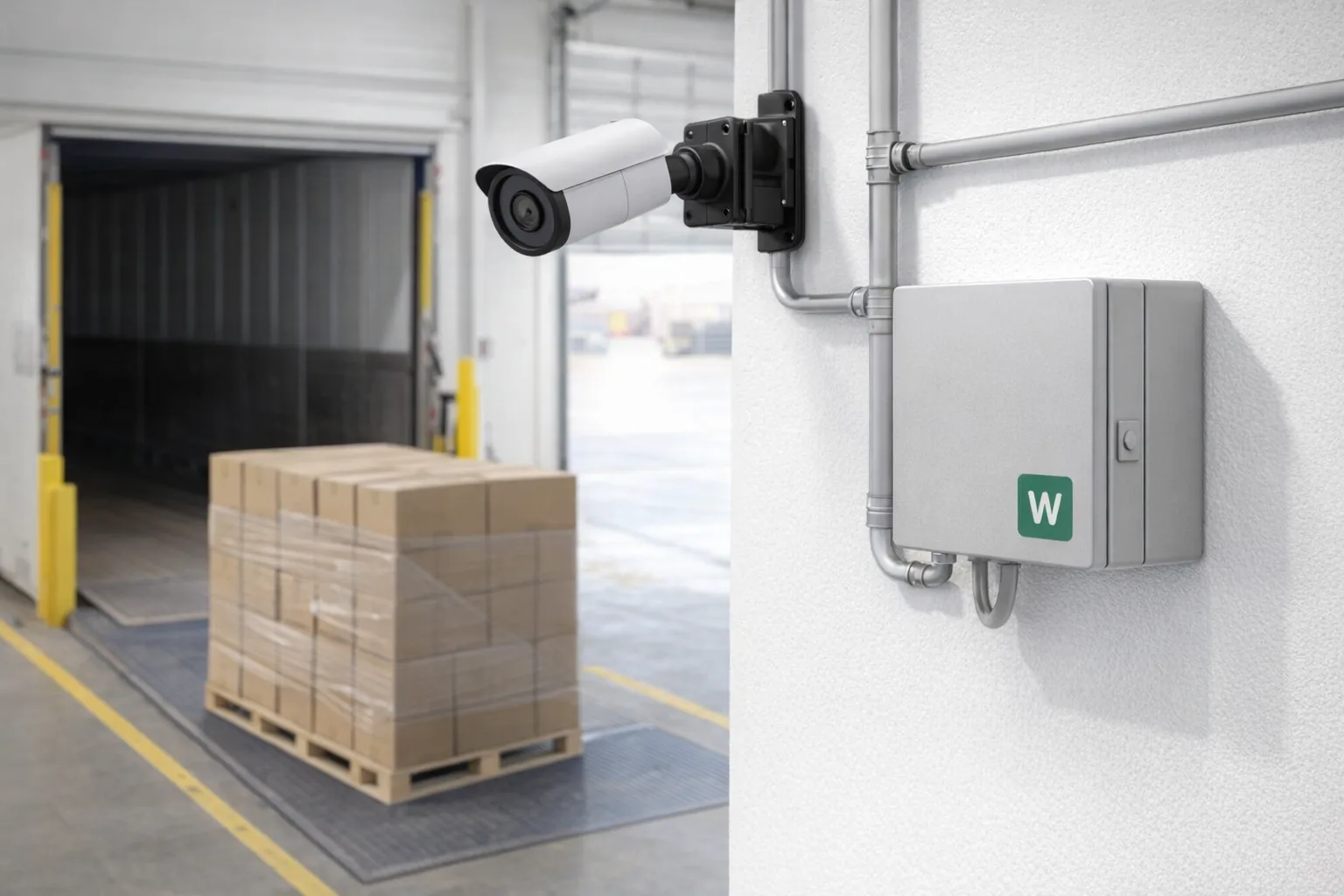
Webkms designs and builds camera and scanner systems that count cartons and pallets at dispatch, check them against shipment records and flag discrepancies to your team while the order can still be fixed.
Most short shipments are not caught in the warehouse. They are caught by the customer. We put cameras and on-site processing where goods leave, link what they see to your order and shipment records, and tell the right person when the two disagree.
Who it is for
The operational problems we hear
eCommerce and fulfilment teams
Mis-picks and short shipments turn into refunds, reships and bad reviews, and there is rarely proof of what was actually sent.
Distributors and wholesalers
Pallet counts on the bill of lading and on the truck do not always match, and disputes are settled by whoever has the better paperwork.
Manufacturers with a shipping dock
Dispatch is the last step and the least measured: nobody knows how long loading takes or how many cartons each lane handles per shift.
What we can build
Examples of what Webkms can build
Every system is designed around your site and workflow after an assessment. These are examples, not fixed products.
Carton and pallet counting
Cameras over packing benches, conveyors or dock doors count what passes and tie each count to an order or shipment.
Barcode-linked shipment checks
Scanned or camera-read labels are matched to the order, so a missing carton or a wrong label is flagged at the dock.
Dispatch tracking
Each shipment gets a timestamped record of when it was loaded, at which door, and how long loading took.
Discrepancy reports
A daily list of every mismatch with the order number, the counts and a still image, ready for your customer service team.
Illustrative workflow
How one event moves through the system
Illustrative workflow with example data, not a customer case study.
- Step 1
Dispatch activity recorded
The camera at dock 2 counts 11 cartons loaded for order 10482 and reads each label.
- Step 2
Checked against shipment records
The system pulls the order and packing slip, which list 12 cartons.
- Step 3
Discrepancy flagged
The mismatch is logged with the order number, both counts and a still image from the dock.
- Step 4
Operations team notified
The shift lead gets an alert while the truck is still at the door, and the shipment is added to the daily report.
Integrations
How it connects to your existing software
Counts and exceptions are matched to the order and shipment data you already have, then written back where your team works.
- Standard integration
Shopify
Order lines and fulfilments read through the Shopify API
- Custom development
Warehouse or ERP system
Shipment records read through an API or scheduled export
- Standard integration
Google Sheets or Excel
Daily counts and discrepancy logs
- Standard integration
Help desk
Tickets opened for flagged shipments
- Standard integration
Email and chat alerts
Exceptions sent to the operations team
Data handling, video retention and cloud use are agreed during project design. See how processing and connectivity work on the AI cameras and sensors overview.
Process
Assessment, pilot, installation, support
- 1
Assessment
A site walk or video call, sample footage or data, and a written scope: what is measured, what counts as an exception, where results go.
- 2
Pilot
One lane, machine or building first. We compare system output with manual counts or existing records and agree the accuracy that is acceptable.
- 3
Installation
Once the pilot meets the agreed targets, we plan the wider rollout and coordinate installation with your team or local installers.
- 4
Support
Monitoring, maintenance and tuning under a monthly support plan, with changes made as your operation changes.
Pricing
Every project is quoted individually. Cost depends on the hardware, installation, any custom development, the integrations you need and the level of ongoing support. We do not sell fixed packages for this work.
Questions we get asked
Do we need to replace our warehouse software?
No. The system reads the order and shipment data you already have and adds what the cameras see. Where your software has no API, we work from scheduled exports.
Can it read our labels and barcodes?
Usually, if labels are printed clearly and face the camera. We test with your real labels, packaging and lighting during the pilot before committing to a rollout.
What if our dock has poor Wi-Fi?
Counting can run on site and configured systems can buffer events during an outage. Alerts and cloud reports are sent once the connection is back.
How do we start?
With an assessment and a pilot on one lane or door. We compare the system's counts with your manual counts until the accuracy is agreed, then plan the rest of the dock.
Talk to us about warehouse monitoring
Tell us about the site, the problem and the software you already use. We will come back with what is realistic and how a pilot would work.