Property & buildings
Hear about the leak from a sensor, not from the tenant downstairs
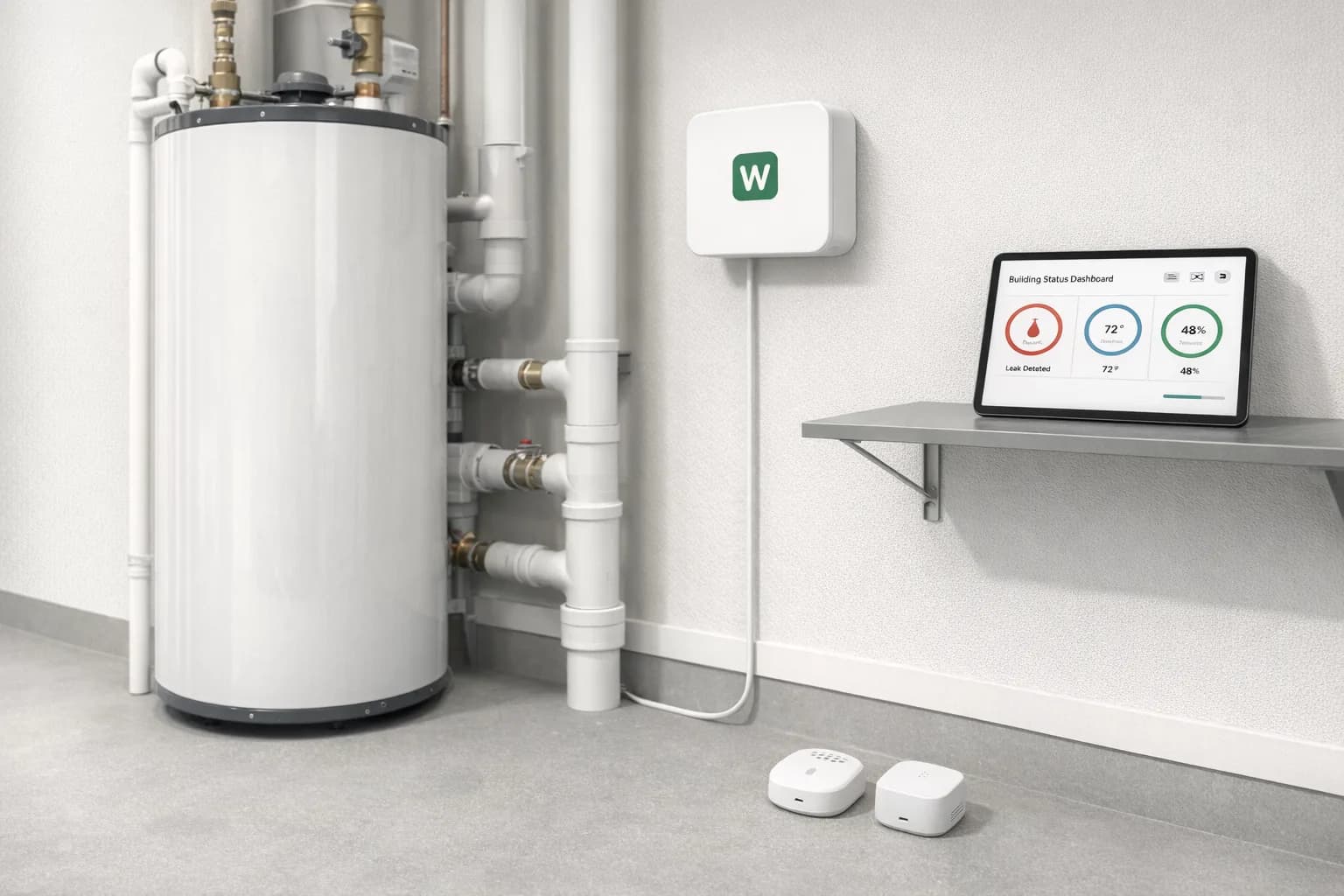
Webkms designs and builds sensor systems for leaks, temperature, humidity, occupancy and door status, connected to alerts and maintenance workflows so problems are logged, assigned and closed with a record.
Water, heat and open doors cause most of the expensive surprises in a building, and they are usually found late. We place connected sensors where problems start, send alerts to the right person, and open the maintenance ticket automatically so nothing depends on someone remembering to call.
Who it is for
The operational problems we hear
Property managers and landlords
Leaks, heating failures and frozen pipes are reported by tenants, often after the damage has spread to a second unit.
Commercial and mixed-use buildings
Plant rooms, server closets and storage areas go unchecked for days, and doors left open waste energy or create security gaps.
Facilities and maintenance teams
Alerts arrive by phone or text with no ticket, so there is no record of who responded, which vendor attended or how long it took.
What we can build
Examples of what Webkms can build
Every system is designed around your site and workflow after an assessment. These are examples, not fixed products.
Leak detection
Sensors under water heaters, washers, sinks and in mechanical rooms alert the manager the moment water is detected.
Temperature and humidity
Readings from units, plant rooms and storage areas, with alerts when they move outside the range you set.
Door status and occupancy
Open-door alerts for plant rooms and entrances, and aggregate occupancy counts for shared spaces.
Maintenance workflow
Each alert opens a ticket, assigns it, and records vendor response, resolution and photos against the property.
Illustrative workflow
How one event moves through the system
Illustrative workflow with example data, not a customer case study.
- Step 1
Leak detected
A sensor under the water heater in unit 4B reports water on the floor at 6:40 am.
- Step 2
Manager alerted
The on-call manager gets a text and an email with the unit, sensor location and time.
- Step 3
Maintenance ticket created
A ticket is opened for unit 4B and assigned to the building's plumbing vendor.
- Step 4
Vendor response and resolution recorded
Arrival time, the fix and closing photos are added to the ticket and the property history.
Integrations
How it connects to your existing software
Sensor events become tickets and records in the systems your property team already runs.
- Standard integration
Help desk or ticketing system
Tickets opened and updated automatically
- Custom development
Property management software
Work orders where the software offers an API
- Standard integration
Google Sheets or Excel
Event log per property and unit
- Standard integration
SMS, email and phone alerts
Escalation to the on-call manager
- Standard integration
Vendor notifications
Job details sent to the assigned vendor
Data handling, video retention and cloud use are agreed during project design. See how processing and connectivity work on the AI cameras and sensors overview.
Process
Assessment, pilot, installation, support
- 1
Assessment
A site walk or video call, sample footage or data, and a written scope: what is measured, what counts as an exception, where results go.
- 2
Pilot
One lane, machine or building first. We compare system output with manual counts or existing records and agree the accuracy that is acceptable.
- 3
Installation
Once the pilot meets the agreed targets, we plan the wider rollout and coordinate installation with your team or local installers.
- 4
Support
Monitoring, maintenance and tuning under a monthly support plan, with changes made as your operation changes.
Pricing
Every project is quoted individually. Cost depends on the hardware, installation, any custom development, the integrations you need and the level of ongoing support. We do not sell fixed packages for this work.
Questions we get asked
Do the sensors need wiring?
Most leak, temperature and door sensors are battery powered and wireless, connected through a small gateway in the building. We confirm range and placement during the assessment.
What happens if the building internet goes down?
Configured gateways can buffer readings and send them when the connection returns. Real-time alerts need a connection, so for critical sites we discuss a cellular backup.
Does occupancy monitoring identify people?
No. Occupancy is reported as aggregate counts for spaces, and the approach to cameras, retention and privacy is agreed with you before anything is installed.
How do we start?
With an assessment and a pilot in one building or a handful of units, then a rollout plan for the rest of the portfolio.
Talk to us about property monitoring
Tell us about the site, the problem and the software you already use. We will come back with what is realistic and how a pilot would work.